
Best WiFi Routers can transform slow, spotty internet into fast, reliable home WiFi. We tested top mesh and dual-band models to find routers that boost speed, coverage, and streaming for busy households. Stop the frustrating buffering-our game-changing picks deliver powerful performance and peace of mind. Trust our expert-tested reviews to save you time and money. Read on to see the top options and why they stand out.
Top 8 WiFi Routers:
1: NETGEAR WiFi 6 Router 4-Stream (R6700AX)

If your sole router experience has been with a provider box, you can begin here.The following are the main features and specifications: Wi-Fi 6 AX1800, four streams, 1.8 Gbps, 1,500 square feet, twenty devices, WPA3 encryption, and no security subscription.Customers say it can handle the typical daily load that causes an older provider box to stutter, including streaming, video calls, and smart plugs.
What they don’t tell you is that there is no 6GHz band, the coverage stops at 1,500 square feet, and the device ceiling is 20. So, a busy apartment block stays congested.Perfect for: apartments with one bedroom and small families. Avoid in areas with high population densities, large families, or anyone whose device count exceeds twenty.This is the most secure way to get in.
2: TP-Link Dual-Band BE3600 Wi-Fi 7 Router (Archer BE230)

The lineup has now progressed to Wi-Fi 7.Notable features include a five-gigabit LAN, a USB 3.0 connector, a quad-core processor, a Wi-Fi 7 BE3600, and support for multiple links.The true story is in those 2.5 Gig ports; customers with multi-gig subscriptions have finally experienced their maximum wired speed.
The standard’s most prominent feature—the 6GHz band—is absent from this version of Wi-Fi 7, which means that 320MHz channels will not be available. Additionally, critics have noted that the signal coverage is average at best.Ideal for: compact houses with multiple gigabit plans and gadgets that are hardwired. Avoid if you’re after 6GHz or have a big layout.With Wi-Fi 7 displayed on the emblem, but only 6 Mbps in actual use.
3: TP-Link BE6500 Dual-Band WiFi 7 Router (Archer BE400)

Covering an entire house, rather than just a single room, becomes the new norm in Tier 2.Features: 2,400 sq. ft., 90 devices, dual 2.5 Gig ports, six antennae, Wi-Fi 7 BE6500, 5764 Mbps on 5GHz, six streams.The important jump is six antennae and six streams; purchasers say it maintains speed across two stories whereas devices with four antennas slow down.
Unfortunately, it is still dual-band, so 6GHz congestion alleviation is not available; only two of the ports are multi-gig; and complete parental controls require a subscription.The ideal setup for a two-story gigabit plan is for a family of four. In areas where 6GHz might be useful, it is not suitable for use.Every household need at least one router.
4: TP-Link Tri-Band BE9300 WiFi 7 Router (Archer BE550)

Congestion becomes a thing of the past when the 6GHz frequency is added.The BE9300 is a tri-band router with five 2.5 Gigabit ports, six internal antennas, EasyMesh, and speeds of 5760 Mbps on 6GHz and 2880 Mbps on 5GHz.Nothing lower than tier three can handle all of the 2.5 Gig ports, and 6GHz provides a clear path for newer phones.
Reviewers have noted dead patches in larger homes within the 5GHz range, and the coverage is only rated at 2,000 square feet. Additionally, there is no upgrade path due to the inbuilt antennae.Ideal for: small houses with a plethora of Wi-Fi 7 devices. Expansive floor plans or walls made of thick masonry are not suitable.Minimalist genius with a big impact.
5: Amazon eero Pro 7 Tri-Band Mesh Wi-Fi 7 Router
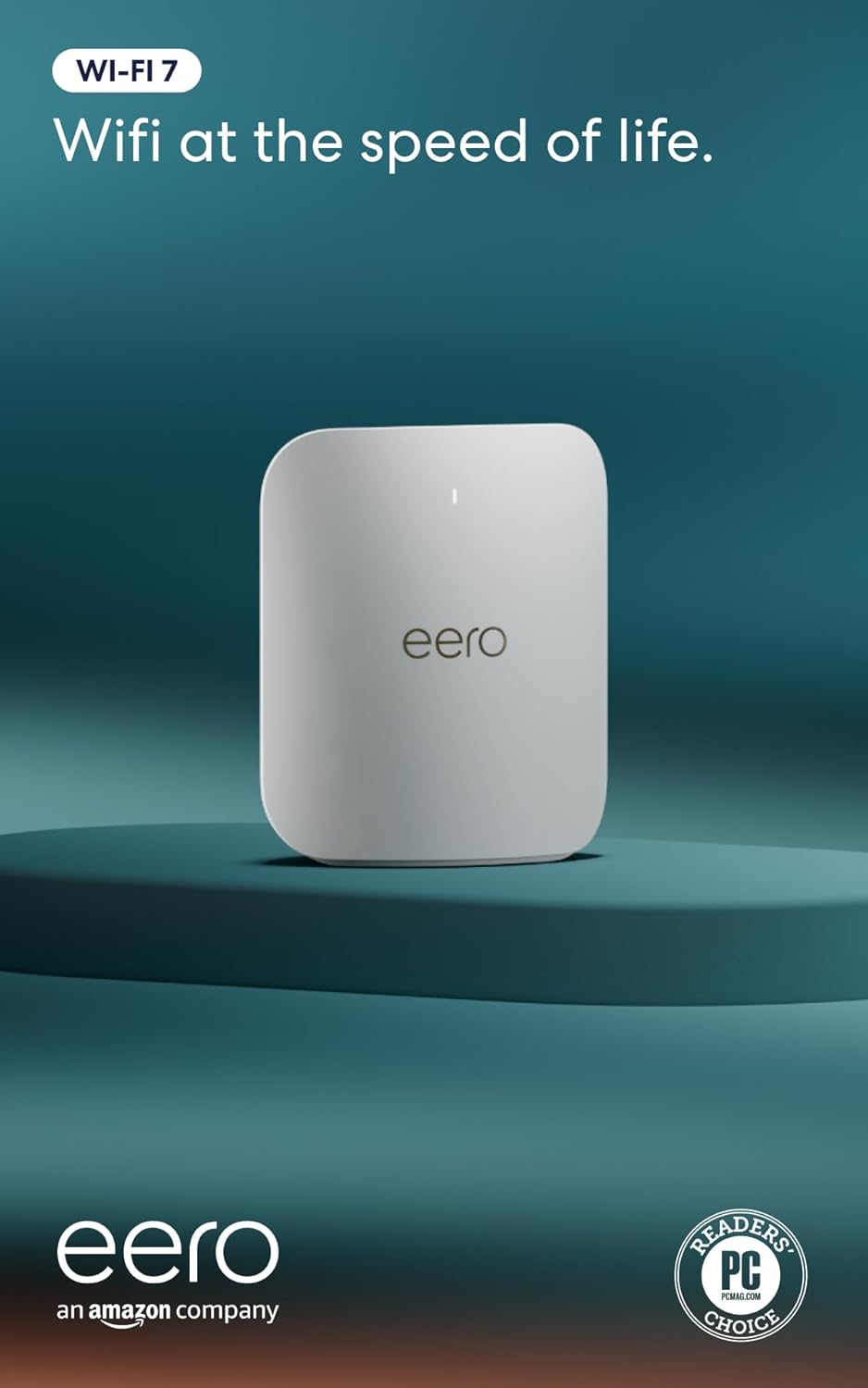
The focus shifts from speed to setup at this point.Notable features include tri-band Wi-Fi 7, wireless speeds of 3.9 Gbps, two auto-sensing 5 Gig ports, support for 200+ devices, 2,000 square feet of space per unit, and an integrated Thread and Matter hub.Here, setup is a breeze; customers say it takes them ten minutes and there are no login prompts. Sensors and light bulbs may connect directly to the router thanks to the integrated smart home hub.
Not much information is available without an eero Plus membership, including parental controls and security features; the lack of USB ports; and the small 2,000 square foot coverage area of a single machine.This product is ideal for smart-home owners who prefer a zero-configuration setup. Channel control tinkerers should not use this.The most user-friendly premium network available.
6: ASUS RT-BE88U WiFi 7 Router

The ports are the main attraction, not the wireless.The following are some of the most important specifications: AiMesh, a 34 Gig wired capacity, a quad-core 2.6GHz CPU, a 10 Gig SFP+, and a 7200 Mbps Wi-Fi network.Having two 10 Gig ports on a single box is superior to anything below tier four, and the SFP+ socket allows fiber to be connected directly. You don’t have to pay extra every month for security.
The cons include a limited range compared to mesh solutions, a complicated and enthusiast-oriented settings menu, and the fact that it is dual-band only, meaning that 6GHz is not available at this tier.Recommended for: homes with an existing network attached storage (NAS), desktop computer, and fiber optic connection. Large living areas or those looking for 6GHz won’t want this.A router’s internal wiring powerhouse.
7: NETGEAR Nighthawk Tri-Band WiFi 7 Router (RS700S)

Tier four is here, where logic and reasonability are rendered moot.Important features include a BE19000 tri-band with speeds up to 19 Gbps, 360-degree coverage for 3,500 square feet, a 10 Gig internet connector, four gigabit LAN, and NETGEAR Armor that comes included.The greatest coverage figure here is 3,500 square feet from a single unit, and it doesn’t even require satellites. Customers with multi-gig fiber say the 10 Gig port gives them full plan speed.
The shortcomings are as follows: the LAN ports are only 10 Gig sockets, which do not support multi-gig speed; armor is paid for after the first year; and the tower is big and hefty.Large single-story homes with multi-gig fiber connections are ideal. Not for: those who need to connect many multi-gig devices simultaneously.The entire house plugged into a single box.
8: TP-Link Archer BE24000 Quad-Band WiFi 7 Router (Archer BE900)

Here we have the ceiling. Everyone knows they shouldn’t buy it, but here it is nevertheless.The BE24000 is a quad-band router with twelve antennas, a touchscreen display, two 10 Gigabit ports (one of which is a fiber combo), four 2.5 Gigabit ports, and two 5GHz radios.The fourth band is crucial; no other band here can divide traffic like a second 5GHz radio. Real 6GHz throughput, according to reports, is close to 3 Gbps, the quickest available locally.
The reality is that it’s physically massive, that most of the technology is inactive when not used with 10 Gig devices, and that the Nighthawk covers more ground.Ideal for: houses with several gigabits of fiber and 10 gigabit Ethernet connections. Almost nobody else finds it useful.
This router is ideal, but it’s not strictly essential.
Things to Consider Before Buying a WiFi Router:
Over time, the right WiFi router can significantly enhance your internet experience at home or in the office. Evaluating key aspects like performance, coverage, and compatibility ensures you make an informed choice that meets your specific needs.
Traditional Single-Unit Routers
Basic single-unit routers serve well for smaller living spaces, offering straightforward setup and operation. They often come equipped with important features like WiFi security, but may lack the range needed for larger homes. Ideal for minimal user demands or basic web browsing, they remain a popular choice for those with less extensive networking needs.
Mesh WiFi Systems for Whole-Home Coverage
Mesh WiFi systems provide a cohesive solution for extensive areas, allowing multiple units to communicate seamlessly. Each unit acts as a node, covering dead zones that traditional routers may miss. These systems enable broader signals without compromising speed or connectivity, making them especially suitable for multi-story homes or areas with many obstacles.
Mesh systems typically include an intuitive mobile app for effortless management and setup. This technology permits the addition of nodes to expand coverage as needed. Many solutions incorporate advanced features like parental controls and network prioritization, enhancing user experience. Homes with numerous devices benefit particularly from this configuration, ensuring consistent, reliable internet access throughout every corner.
Advantages of WiFi 6 and 6E Technology
WiFi 6 and 6E technology delivers impressive enhancements, including higher speeds and improved network efficiency. These advancements allow multiple devices to operate simultaneously without lag, making them ideal for households with numerous smart gadgets.
Potential Drawbacks of Budget-Friendly Models
Budget-friendly WiFi routers often come with limited features and reduced performance capabilities. Understanding these limitations will help you avoid potential frustrations, especially in high-demand usage scenarios.
Choosing budget-friendly models may lead to sacrifices in important areas such as speed, range, and security features. Often, these routers lack advanced technologies, leading to slower connections, especially when multiple devices are connected. While they can serve basic internet needs, heavy users or smart homes might find them inadequate, resulting in the need for an earlier upgrade.
Auditing Household Device Density
Evaluate the total number of devices needing connection. Common household items include smartphones, laptops, smart TVs, and IoT devices, which can quickly add up. A mid-sized home might have ten or more devices that could demand bandwidth simultaneously.
Measuring Square Footage and Layout Obstacles
Calculate the total area of your home to determine the extent of coverage required. Large homes may need more powerful routers or additional equipment to ensure adequate WiFi strength throughout.
Consider the layout of your space when measuring square footage. Factors like thick walls, multiple floors, and furniture placement can all impact signal strength. A linear layout often allows better signal flow than a sprawling setup, so taking time to assess these obstacles will aid in selecting an appropriate router that meets your needs.
Implementing Robust Encryption and Guest Networks
Utilize WPA3 encryption to protect your network, as it offers stronger security measures than its predecessors. Establishing a guest network keeps your primary network safe while allowing visitors internet access without compromising your personal devices.
Strategic Placement for Maximum Signal Strength
Position your router in a central location for optimal coverage. Avoid placing it near walls or inside cabinets, as these can hinder signal strength and performance.
Optimal placement can drastically improve your WiFi experience. Elevate the router to a higher point, such as on a bookshelf, and keep it away from electronic devices like microwaves and cordless phones, which can interfere with the signal. Aim for open spaces and ensure few obstacles exist between the router and regularly used devices, as this reduces interference and enhances connectivity.
Final Words
Understanding your specific needs and evaluating your options can significantly impact your WiFi experience. Consider factors such as speed requirements, coverage area, and security features before purchasing. A well-chosen router not only enhances connectivity but also provides a reliable foundation for all your online activities.
Leave a Reply