
Best External Hard Drives are lifesavers when you’re out of space or afraid of losing photos. If you need a fast portable SSD or extra external storage, this guide cuts through the noise. We tested top models and compared speed, durability, and price so you can buy with confidence. Don’t panic-these powerful backup drives protect your memories and give real peace of mind. Read on to find your perfect pick.
Top 8 External Hard Drives:
1: Seagate Portable 2TB
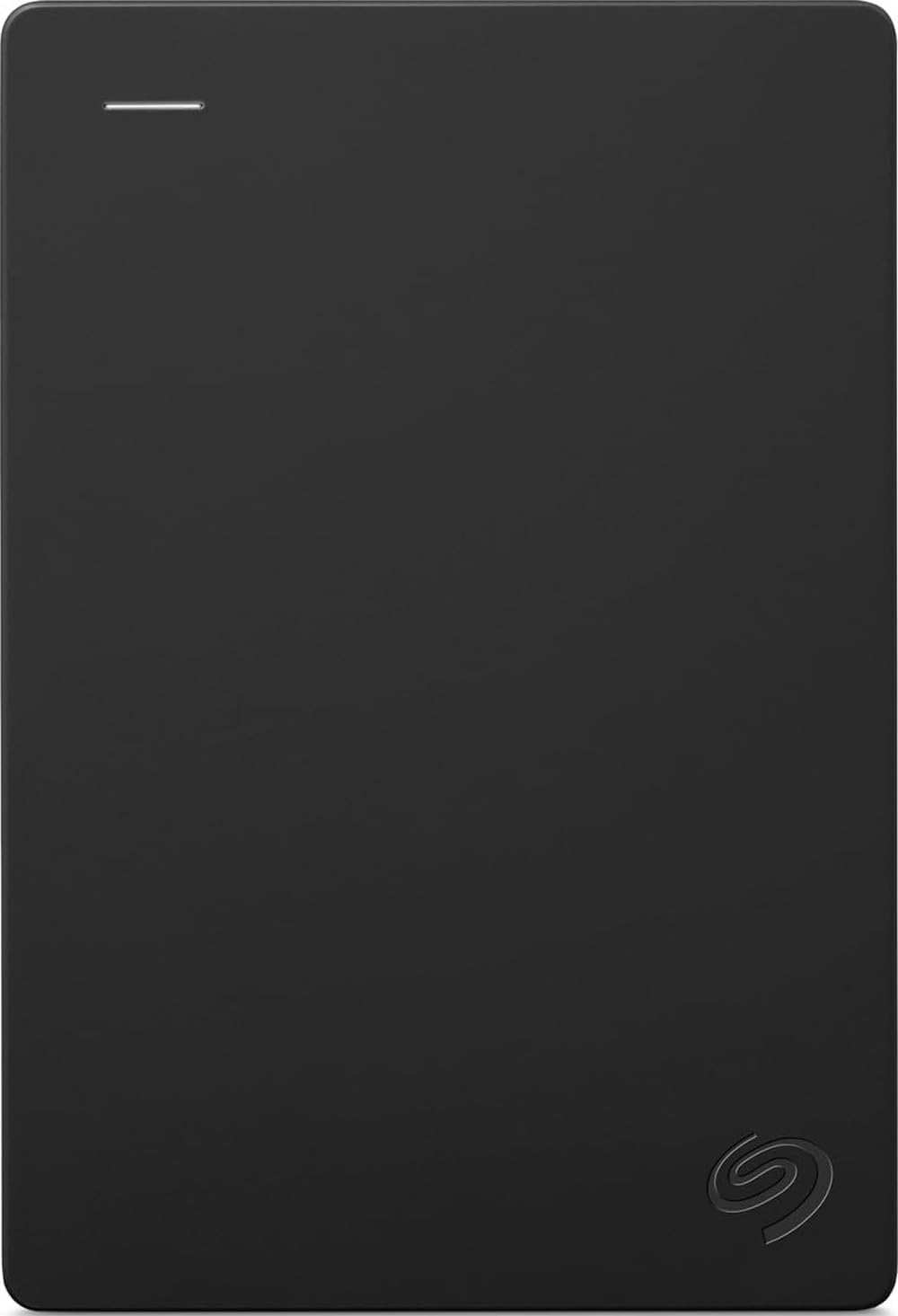
Most people buy this drive because it earns it.A few important specs: it’s compatible with Windows, Mac, PS5, and Xbox; it has 2TB of storage space; it’s bus-powered; it has a compact 2.5-inch shell; and it comes with an 18-inch cord.There is no setup required; simply plug it in, transfer your data to it using drag-and-drop, and it will be recognized immediately.
What they don’t tell you is that it’s a spinning drive, which means that large downloads will take longer than on an SSD. Additionally, it lacks encryption to secure your contents and has no drop protection due to its plastic casing.Who it’s best for: beginners looking for a spacious, easy-to-use backup solution for data and images. Do not use if you require password protection or are transferring large video files.The standard daily backup drive—easy, spacious, done.
2: WD 2TB Elements Portable

A more precise specification sheet is WD’s Elements’ response to Seagate.Impressive features include a 2TB capacity, a small bus-powered design, speedier USB 3.2 Gen 1 with up to 5Gbps, and the ability to plug and play without the need for a power brick.Being as small as 2 terabyte drives get, it offers slightly more headroom than earlier 3.0 drives thanks to its improved USB interface.Cons: it still has moderate real-world performance, like any platter drive, and it doesn’t come with backup software or encryption.
Additionally, it ships formatted in Windows, so Mac users will need to reformat before they can use it.The lightest 2TB backup available is ideal for Windows users. Not for: Those who prefer Macs or require extra security measures.The better value for your money, only a hair thinner and a hair quicker.
3: Seagate Portable 4TB
Completed filling a 2TB drive? Clearly, this is the subsequent stage.Notable features include 4 terabytes of storage space, which is quadruple the previous capacity, USB 3.0, the same compact 2.5-inch size, and the ability to back up with a simple drag-and-drop action on both Mac and Windows computers.Still small enough to fit in a jacket pocket, it offers the most raw area for the money among all of these options.
The problem is that it has the same sluggish spinning platter inside, doesn’t have an encryption or backup program, and entrusting that much data to an unsecured drive defeats the purpose of a second copy.People who have outgrown their previous drive and are looking for maximum capacity should choose this option. People who require lightning-fast performance or robust file security should look elsewhere.The space hunter easily wins with twice the storage and barely more bulk.
4: WD 5TB My Passport

Once you step up again, you will finally have storage that protects itself.Specifications: 5 terabytes of storage space, USB 3.1/3.0, hardware encryption with 256-bit AES, password security, included backup software, and ransomware defense.Unlike with less expensive drives, this one comes with built-in security and automatic backup, so speed isn’t the main selling point.
Important information: transfers are slow because it is still a spinning disk, the software is Windows-centric, and some users may find the extra step required to enable encryption to be too much trouble.People who want to secure their information with passwords and set up automatic backups should use this service. Users who like Macs or are looking for speed should not use this.The first drive in this place that does more than store data; it protects it.
5: SanDisk 2TB Extreme Portable SSD
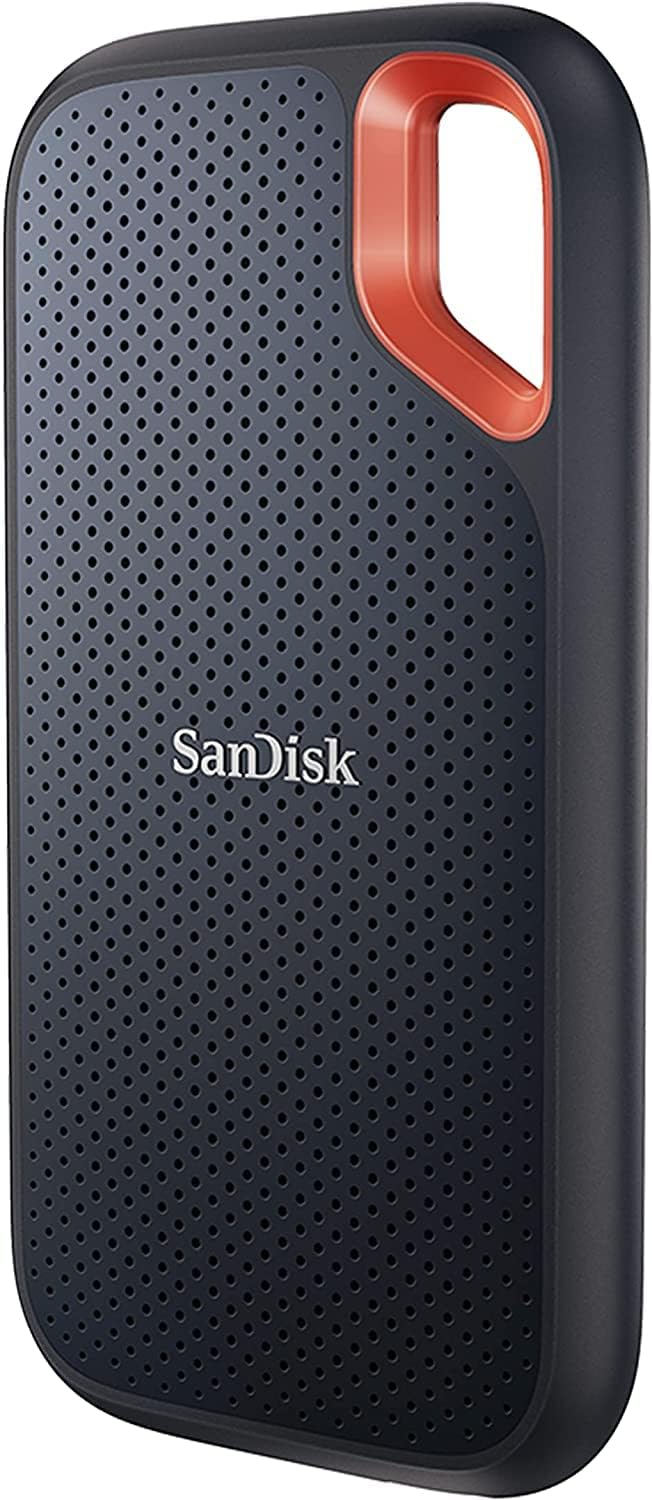
This is where everything shifts. There is no rotating platter here; this is lightning fast.Notable features include 256-bit AES encryption, a 3-meter drop protection, a USB-C connector, a capacity of up to 1,050MB/s, and water and dust resistant to IP65.Thanks to its lightning-fast performance, a year’s worth of images will be transferred in seconds rather than minutes. Its IP65 sealing and lack of moving parts make it resistant to dust, knocks, and rain.
The bad news: 2 terabytes isn’t much compared to the desktop behemoths ahead, a USB 3.2 Gen 2 port is required for maximum speed, and you won’t find any backup software included.Ideal for photographers, students, and anyone else requiring speed and durability when moving large files. Buyers requiring bulk backup are not eligible.Compact, resistant to the elements, and incredibly quick—the best SSD for everyday use.
6: Seagate One Touch 8TB Desktop

Top priority: capacity or speed? Instead, here’s a vault that you can set and forget.Details: 8 terabytes, USB-C, and most noticeably, bus-powered, meaning it doesn’t require a wall plug. It also requires only one cable for setup.Instead of handling multiple little drives, you can store years’ worth of video, images, and system backups on an eight terabyte disk. Eliminating the need for the power brick makes a large drive more manageable.
Here are some of its drawbacks: it lacks hardware encryption, is bigger than the pocket drives, and is slower than any solid-state drive (SSD) because it is a spinning disk.If you want a single, large, always-connected backup that will never fill up, this is the way to go. People that require quick transfers should not use this.The uncomplicated home backup hub—large, neat, and cable-free.
7: WD 20TB Elements Desktop

Twenty terabytes in one box is the ceiling.Fast large-file transfers, a powered desktop 3.5-inch design, plug-and-play on Windows, and a capacity of 20 terabytes are some of the important specifications.All of your personal information, including decades’ worth of photographs, movies, and backups of every gadget you possess, might be stored here. Even though it requires an electrical outlet, this desktop drive can transfer large files much more quickly than the pocket platter drives.
In all candor, it comes pre-formatted for Windows, so Mac users will need to convert; an AC power adapter is required; and with that much data stored on one device, a backup copy is absolutely necessary.Who it’s best for: house backup systems and media hoarders. Not recommended for: Customers that prefer Macs or require a portable device.The most storage space available here—a genuine archive for all of your possessions.
8: Samsung T9 2TB

On the other hand, you can achieve top speed with a drive that you won’t even notice when in your pocket.Notable features include 2 terabytes of storage space, a data transfer rate of up to 2,000 megabytes per second, support for USB 3.2 Gen 2×2, power management software called Magician, and Dynamic Thermal Guard to prevent slowdowns even while under heavy stress.The quickest drive here, with a throughput of up to 2,000 MB/s (nearly twice that of the SanDisk), thus large projects transfer practically instantly.
When compared to lesser SSDs, its thermal architecture ensures that it will not slow down mid-transfer, even on lengthy jobs.Downsides: it’s overkill for basic backup, the capacity is just 2 TB, and top speeds require a USB 3.2 Gen 2×2 port, which is not present on most computers.Who this is ideal for: heavy media consumers and makers looking for the quickest pocket drive on the market. Users who rarely back up photographs and documents should not use this.The behemoth of speed—tiny, nimble, and unstoppable.
Things to Consider Before Buying a External Hard Drive:
Overwhelmed by choices in the external hard drive market? Various options exist, each catering to different storage needs and performance levels. Making an informed decision requires understanding technical specifications, compatibility, and intended use. These factors will ensure you choose the right drive for your data storage needs.
Hard Disk Drives (HDD) for Bulk Storage
HDDs are ideal for extensive data storage due to their high capacity at a lower price point. This makes them favorable for backing up large files, such as video libraries or extensive databases.
Solid State Drives (SSD) for High Performance
SSDs offer superior speed and reliability compared to traditional HDDs. With no moving parts, they are less prone to mechanical failures, making them suitable for intensive tasks like gaming or video editing.
High performance in SSDs translates to rapid file access and transfer speeds, resulting in faster boot times for applications and operating systems. Users often experience a noticeable improvement in workflow efficiency, especially when handling complex tasks that involve large files. Gaming, for example, benefits from reduced load times, providing a smoother overall experience.
Durability and Portability Benefits
Using external hard drives grants the advantage of portability, allowing for easy transfer between locations. Often designed to be robust, many models feature protective casings that enhance durability, making them suitable for both home use and travel.
Longevity and Mechanical Failure Risks
Mechanical failure is a significant concern with external hard drives, particularly with traditional spinning platter designs. Such failures can occur unexpectedly, leading to potential data loss if backup measures are not in place.
Considering that mechanical components are involved, external hard drives often have a defined lifespan, frequently estimated at several years. While solid-state drives (SSDs) mitigate some risks through lack of moving parts, they are still susceptible to wear over time. Regular monitoring of drive health through diagnostic software can help prolong use and prevent unforeseen failures.
Determining Your Budget and Usage Profile
Assessing budget and usage will guide your choices in capacity and speed. External drives range significantly in price depending on these factors, so it’s best to establish these parameters early on to streamline your options.
Verifying Operating System and Hardware Support
Each external hard drive may offer varying compatibility with your devices. Prior to purchasing, check that the drive supports your operating system and any specific hardware requirements.
Compatibility ensures smooth functionality, as some drives are optimized for certain platforms, such as macOS or Windows. Even older systems may require specific formats or drivers, so confirming these details can prevent potential connectivity issues. Some brands also provide cross-platform support, which may be beneficial if you use multiple operating systems.
Summing Up
Purchasing an external hard drive involves careful consideration of your storage needs, compatibility with existing devices, and specific technical features such as speed, capacity, and durability. Evaluate your intended use, whether it’s for backup, media storage, or heavy-duty data transfer, to ensure you select the most suitable option for your requirements.
Leave a Reply