
Best Budget Projectors can transform movie nights without breaking the bank. We tested top mini projectors and portable models to find bright, reliable picks. If you hate fuzzy screens or noisy fans, this guide fixes that pain fast. You’ll love the amazing picture and huge savings that make movie nights magical. Our hands-on reviews and clear buying tips help you pick the best value every time. Read on to find the perfect budget projector for your home theater setup.
Top 8 Budget Projectors:
1: HAPPRUN H1 Native 1080P Projector
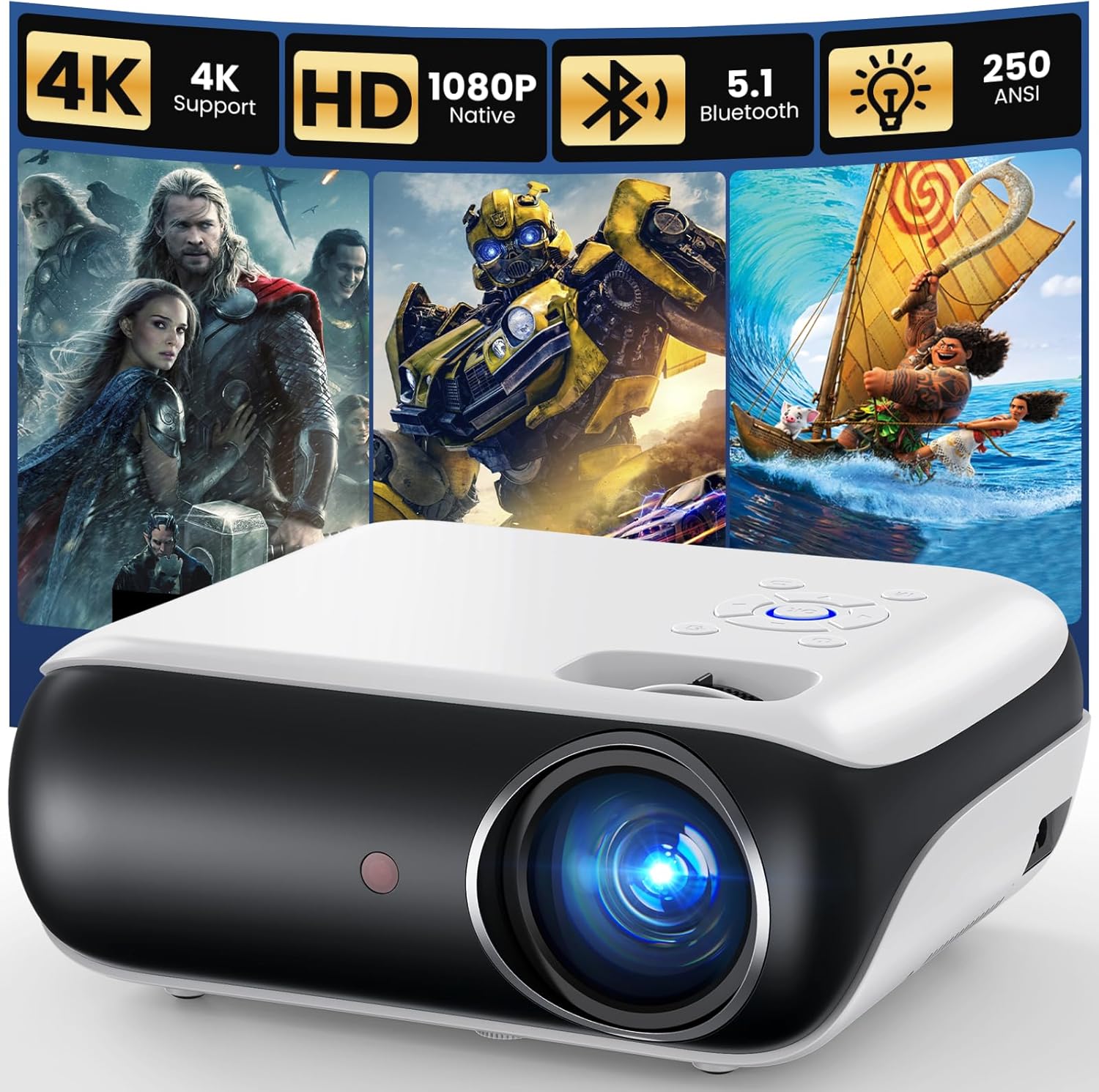
Among these projectors, this one retains a native 1080p display and is the most budget-friendly.Notable features include a native resolution of 1920 x 1080, 5.1 Bluetooth, many ports (USB, HDMI, and 3.5 mm), high-fidelity stereo speakers, and compatibility with chromecast and fire TV sticks.The simplest way to bring the outside into a bedroom, according to buyers, is with this product.
Reviewers have noted that it requires a dark environment to function properly, and the manufacturer does not disclose an ANSI brightness value. Additionally, there is no built-in Wi-Fi or app store, thus a streaming stick is required and not included.Locations where lights aren’t really needed, such bedrooms and hostels, are ideal. Not recommended for use during the day or if you prefer pre-installed apps.First, let’s look at the most affordable option.
2: Aurzen EAZZE D1 Smart Portable Projector
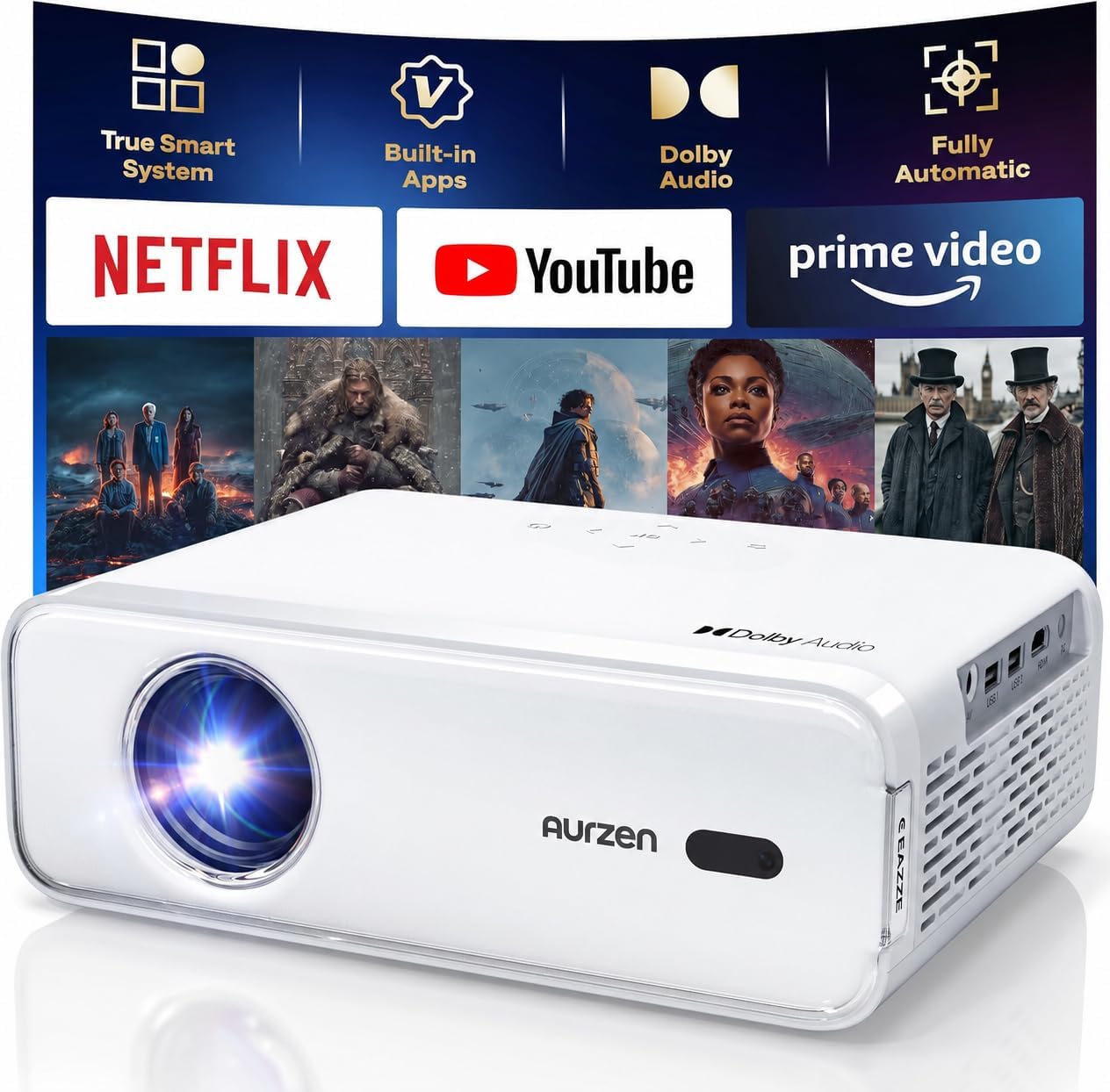
The setup takes care of itself once you climb up one rung.Features such as auto focus, auto keystone, auto screen alignment, auto obstacle avoidance, built-in smart TV system, native 1080p, HDR10, and 16W Dolby Audio are important.Customers rave about the automatic setup, which squares the image when pointed roughly at a wall.
Downsides include a limited app selection that prevents you from installing more streaming apps, a keystone correction range of only fifteen degrees in either direction, and a very weak 16W output when used outside.For those who are new and prefer not to use a dongle, this is the best option. Avoid if you don’t already have it installed on your streaming provider.Auto-everything, at an unexpected place.
3: Aurzen Roku TV D1R Portable Projector

This one incorporates a whole Roku TV into the body of a projector.Features: 50+ free live channels, built-in Roku TV, 1080p Full HD, 60 to 150-inch screen, Dolby Audio with two 5W speakers, Bluetooth 5.2, Apple AirPlay, dual-band Wi-Fi.Critics praise the user interface, noting that it is a legitimate licensed platform rather than a generic launcher that receives no updates.
Here are the facts: in order to activate it, you’ll need a free Roku account and internet. The dual 5W speakers are drowned out by the open air. The maximum resolution is 1080p, and there is no published ANSI rating.Ideal for: evenings spent on the terrace when everyone is familiar with Roku. Avoid at large outdoor gatherings unless you have a Bluetooth speaker.This is the lineup’s most comprehensive offering.
4: Yaber Projector with Sound by JBL
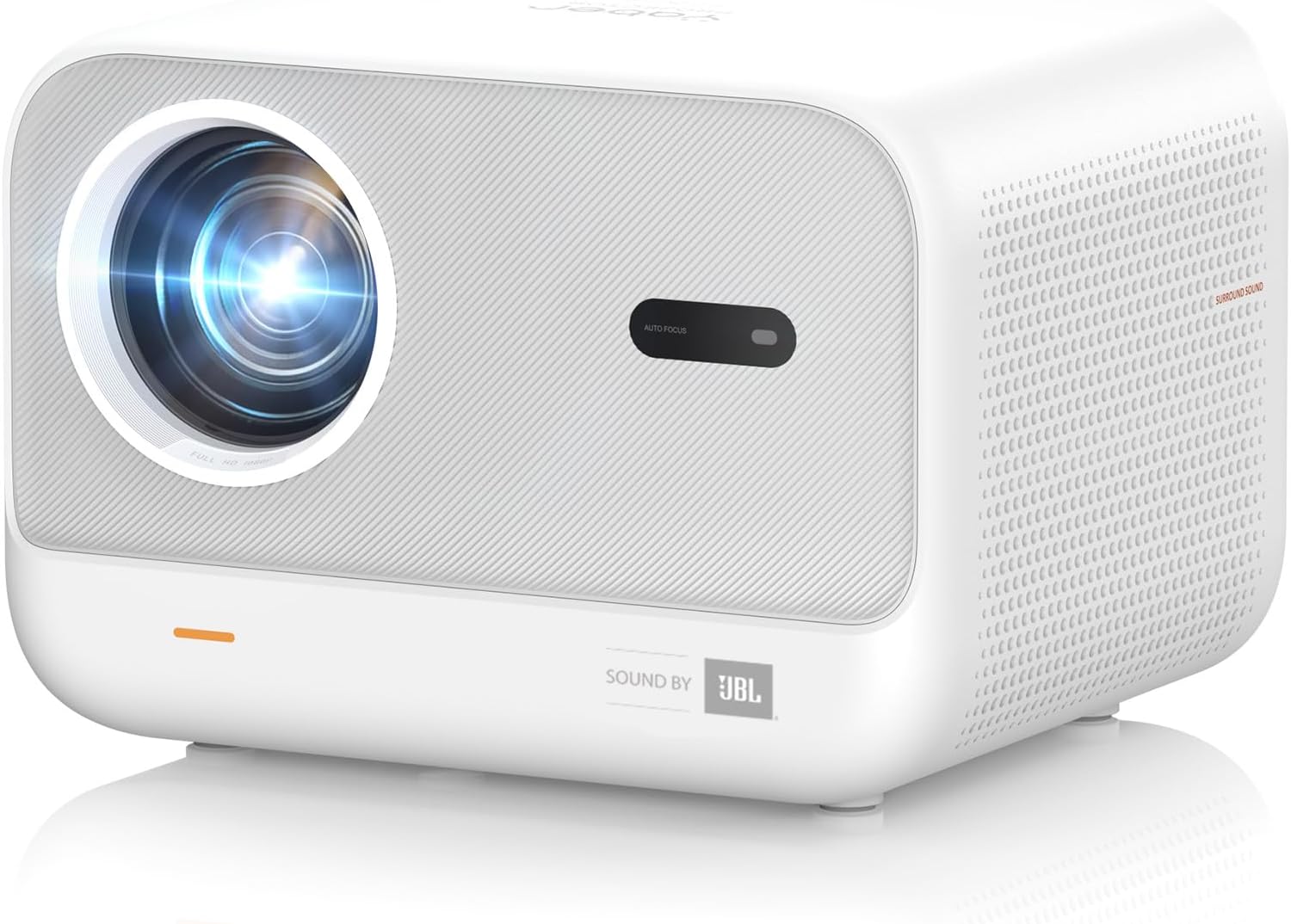
In open areas, the audio goes out before the visuals do. The solution is here.Important features include a low fan noise, one second auto focus, 430 ISO lumens, Bluetooth, Wi-Fi 6, JBL speakers, and native 1920 x 1080.Customers rave about the JBL tuning, which not only serves as a Bluetooth speaker but also stands head and shoulders above the generic drivers on the market.
Catch: it only works in vertical orientation, so off-center placement isn’t an option; waiting for full dark is an issue with the 430 ISO lumens; and applications aren’t the appeal, so be prepared to use an HDMI stick.Ideal for: evenings spent in the backyard, when music takes precedence over meals. Avoid using on slanted mounts or in direct sunlight.To amplify the sound, get this one.
5: VOPLLS G3 Official Licensed Google TV Projector

This is the first option that runs the real software, not a replica, of Google.Notable features include: access to native Netflix, Disney+, Prime Video, and Hulu, the Google Play Store, over 10,000 apps, over 800 free live channels, auto focus, Dolby audio, and 4K capability.Projectors in this area typically use a knockoff launcher to imitate Google TV, which is a licensed service. Critics have hailed it as a true all-in-one TV replacement.
Here are some things that could be better: the brand doesn’t have a service network, the 4K only works with a native 1080p screen, and there is no stated ANSI brightness figure.Those who want to cut the cable and replace their TV totally may consider this option. Those looking for a brightness number should go elsewhere.The most affordable genuine Google TV model here.
6: TCL C1 Smart Projector
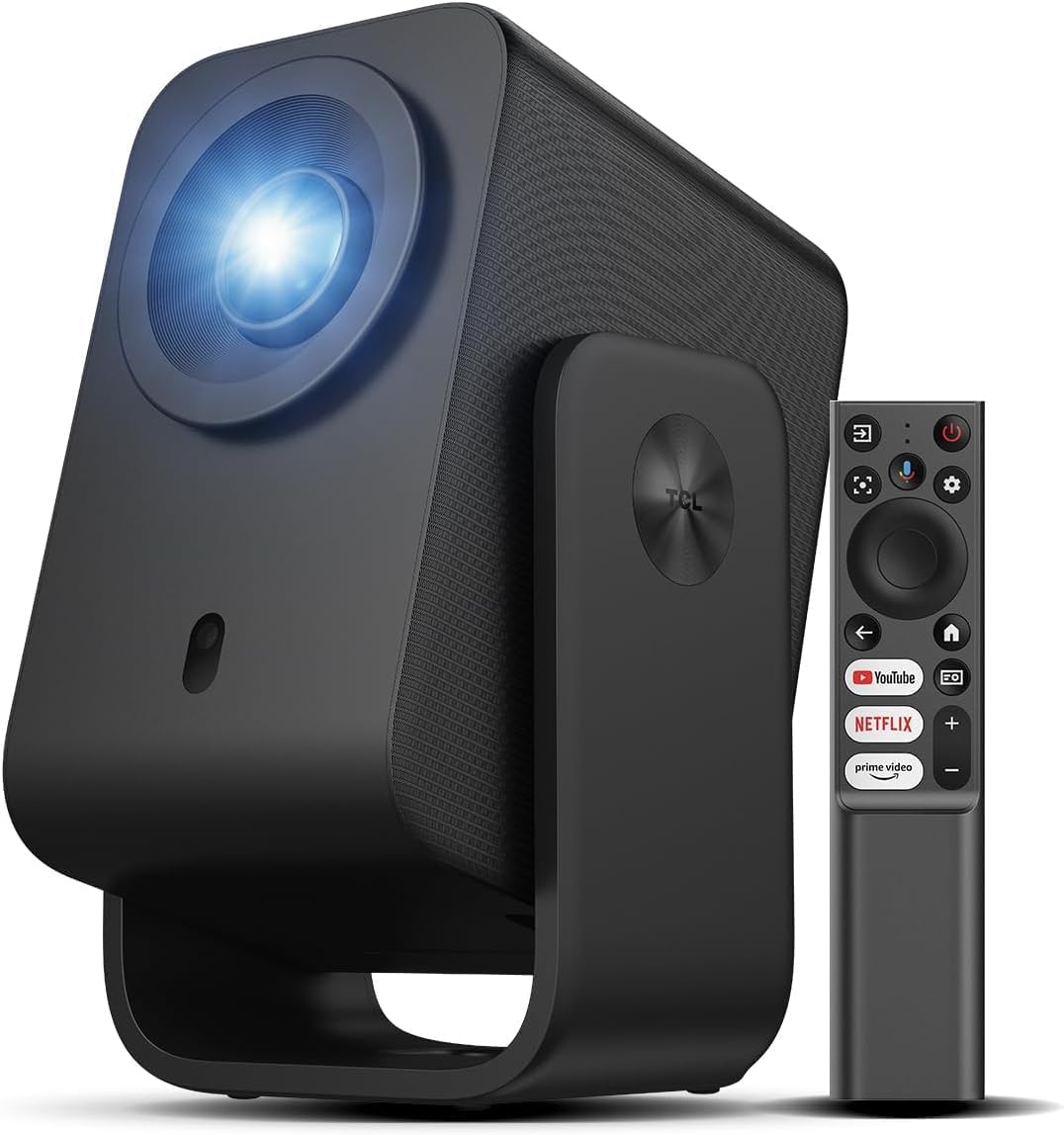
The video clearly only features TCL televisions.Important features include: capability for 4K video, 230 ISO lumens, autofocus, a 285-degree rotating stand, and under 30 dB fan noise. The display is Google TV compatible.Even when there is no attachment on the ceiling, the fan will spin on its rotatable stand and disappear during silent moments. Its color management is praised by reviewers as superior to the no-name competitors.
The truth is that TCL doesn’t try to disguise the 230 ISO lumens’ low brightness, that the rear audio is the poorest due to a single 8W speaker, and that there are no alternate ARC output options.Ideal for: authentic brand ceiling projection in dimly lit environments. Avoid in areas with artificial lighting or those with built-in audio systems.Silence and pedigree, sacrificed for light.
7: NexiGo PJ40 Pro Google TV Projector

And that’s it. Personally, I prefer this one.Here are some important specs: 800 ANSI lumens, 3000:1 contrast, D65 calibration, HDR and HLG, AI Super Resolution, native 1080p, Google TV, 10,000+ apps, 20W speakers, and Google Cast.Independent tests place its contrast at the top of the budget class, and its white point follows a broadcast standard instead of being cranked toward blue. This is all due to D65 calibration. Where less expensive models turn gray, buyers portray gloomy scenarios while holding details.
Some drawbacks include the fact that 800 ANSI isn’t enough for a daytime projector, that licensed apps prevent screen mirroring, and that reviewers have noticed input slowness in fast-paced games.When picture quality is paramount, such as on a nite in the dark, this is the best option. Avoid in brightly illuminated areas or if you’re a gamer.Easily the most attractive picture on this page.
8: HAPPRUN 3000 ANSI Google TV Projector

Prior to this, all projectors required the lights to be turned off. Here, it does not.Features such as 20,000:1 contrast, 95% color gamut, HDR10+, 4K decoding, auto focus, and 6D auto keystone are among the important specifications. The screen also has a genuine 3000 ANSI lumens and is legally licensed by Google TV.At three in the afternoon, a projector’s functionality is determined by its ANSI spec, which is about seven times higher than the mid-tier choices. Customers say they can watch it with the curtains open, which is a feat no other product in this area achieves.
Important details: the display is 1080p and 4K is decoded, not shown; the 20,000:1 ratio is dynamic, not native; and this is the most recent model available.Superb for: well-lit living areas and outdoor activities during the day. People looking for a long service history or native 4K may want to look elsewhere.There is just one here that is faster than daylight.
Things to Consider Before Buying a Budget Projector:
Buying a budget projector requires careful consideration to ensure you make the right choice. Evaluating features, brightness, and image quality can significantly impact your viewing experience. Understanding your specific needs will guide you toward a projector that fits both your budget and expectations.
DLP vs. LCD Technology
DLP projectors often provide sharper images and better contrast, while LCD projectors tend to display richer colors. Both technologies have unique advantages, appealing to different preferences and requirements in home or business environments.
Portable vs. Desktop Models
Portable models are lightweight and designed for easy transport, ideal for on-the-go presentations. Desktop models, conversely, are usually bulkier and suited for a permanent setup, often featuring enhanced connectivity and performance.
Considering the range of uses, portable projectors are advantageous for individuals who frequently present in different locations. These models often weigh less than a few pounds and can fit in a laptop bag. Desktop versions typically provide higher brightness and integrated sound systems. Knowing your primary use will guide you in selecting between these two categories effectively.
Native Resolution and Aspect Ratio
Native resolution defines the clarity of projected images, while aspect ratio dictates the dimensions of the displayed content. Higher native resolutions offer sharper images, important for detailed presentations or movies. A common aspect ratio for most projectors is 16:9, suitable for widescreen content.
Lumens and Brightness Levels
Lumens indicate the brightness of a projector, directly affecting its visibility in various lighting conditions. Higher lumen ratings allow for effective use in well-lit environments, making them ideal for classrooms or conference rooms.
A typical budget projector may have lumen ratings ranging from 1000 to 2500. In well-lit settings, a projector with at least 2000 lumens ensures clear visibility. Conversely, lower lumen projectors excel in dark environments, allowing deeper colors and richer contrast. Understanding your primary usage scenario will help you choose the right brightness levels to enhance performance.
Contrast Ratio and Color Accuracy
Contrast ratio measures the difference between the darkest and lightest parts of an image, affecting detail in shadows and highlights. Higher ratios create more vibrant visuals, crucial for movies and dynamic presentations.
Many budget models offer contrast ratios ranging between 1000:1 and 3000:1. While these figures may seem adequate, the true experience often depends on the projector’s ability to reproduce colors accurately. Projectors with lower contrast ratios can struggle to display subtle shifts in tone, which may lead to a less immersive viewing experience. Observing these factors can result in a projector that meets your visual expectations effectively.
Benefits of Entry-Level Units
Entry-level projectors provide excellent value for money, particularly for casual viewing. These models are often lightweight and portable, making them ideal for small gatherings or outdoor movie nights. Their ease of use appeals to those who want straightforward technology without complex setups.
Common Limitations and Trade-offs
Limitations often accompany budget projectors, including lower brightness and resolution. Users may find that these devices struggle in well-lit environments, undermining the viewing experience. Input options can also be limited, which affects versatility in connecting various devices.
Brightness issues particularly affect daylight viewing, where many budget projectors may appear washed out. Users should also consider that lower resolution can detract from detail, making text hard to read. Furthermore, audio performance might be lackluster, necessitating external speakers for optimal sound quality. Investing in a slightly more expensive model often provides substantial improvements in these categories.
Determining Ideal Throw Distance
Finding the right throw distance ensures a clear image without distortion. Most projectors have specific ranges; consult the user manual for optimal distance, typically between five to twelve feet for standard models. Adjust the distance based on available space and the desired screen size.
Configuring Focus and Keystone Correction
Adjusting the focus sharpens the picture, while keystone correction helps straighten distorted images. Use the projector’s control panel or remote to fine-tune both settings until the image appears crisp and rectangular, leading to a pleasing viewing experience.
Focusing requires patience, especially when projecting onto a large screen. Start by identifying the center of the image. Gradually adjust the focus until it is sharp. Keystone correction is equally important; it compensates for angled projections, ensuring that the top and bottom of the image align perfectly. These adjustments may need to be made multiple times during setup to account for any movement or surface inconsistencies.
External Audio Integration
Enhancing audio involves connecting external speakers for richer sound quality. Most projectors have audio output options, such as HDMI or RCA, making integration straightforward. Choose compatible speakers for the best results.
Quality audio elevates the viewing experience significantly. If your projector lacks robust built-in speakers, consider audio systems with Bluetooth capabilities for wireless connection. Alternatively, use simple wired methods for direct connection, ensuring deep, immersive sound to complement the visual presentation. Whether for movies or presentations, creating a balanced audio-visual setup can transform how you engage with content.
Selecting the Right Screen Surface
Choosing the right screen surface influences the overall image clarity and sharpness. Certain surfaces are designed to amplify brightness and contrast, enhancing detail retention and color accuracy.
For instance, a matte white screen is often suitable for general use, while specialized options like high-gain screens can reflect more light and provide a brighter image. Selecting a reflective or ambient light-rejecting screen can be beneficial in rooms with diverse lighting conditions, optimizing performance across different scenarios.
Maintaining Proper Ventilation
Ensuring adequate ventilation helps prevent overheating and extends projector lifespan. Positioning the device in an open space with airflow can mitigate heat buildup during prolonged use.
Many budget projectors feature built-in cooling systems that require unobstructed access. Avoid placing the projector in enclosed spaces; instead, allow for airflow to keep the unit operating efficiently and reduce the likelihood of thermal shutdowns. Regular cleaning of filters and vents can also enhance ventilation and performance.
Conclusion
Considering factors such as resolution, brightness, and connectivity options will guide you in selecting the best budget projector for your needs. Evaluate your intended usage, whether for home entertainment or business presentations. A careful assessment ensures you make a well-informed decision that meets your expectations without overspending.
Leave a Reply